 Bloomz
Award behavior points to a student
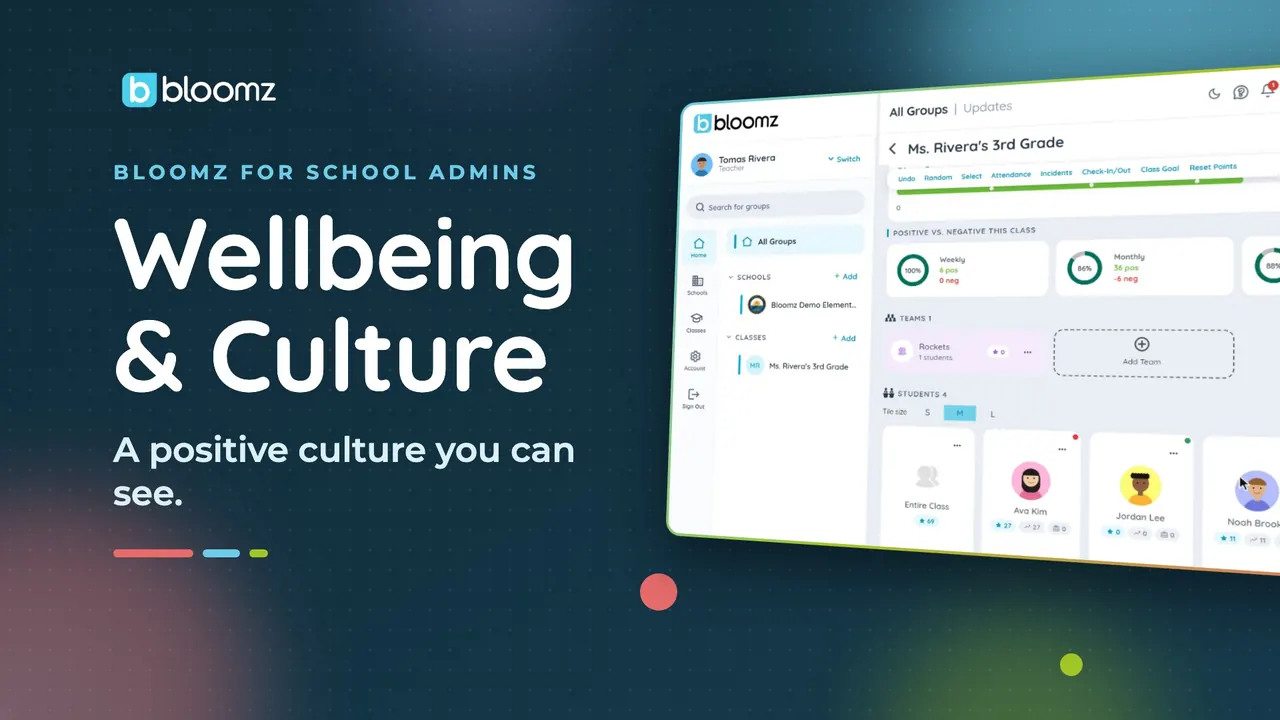
▶ Watch the video (45 seconds): Bloomz Wellbeing and Culture: points, house standings and a hallway display.
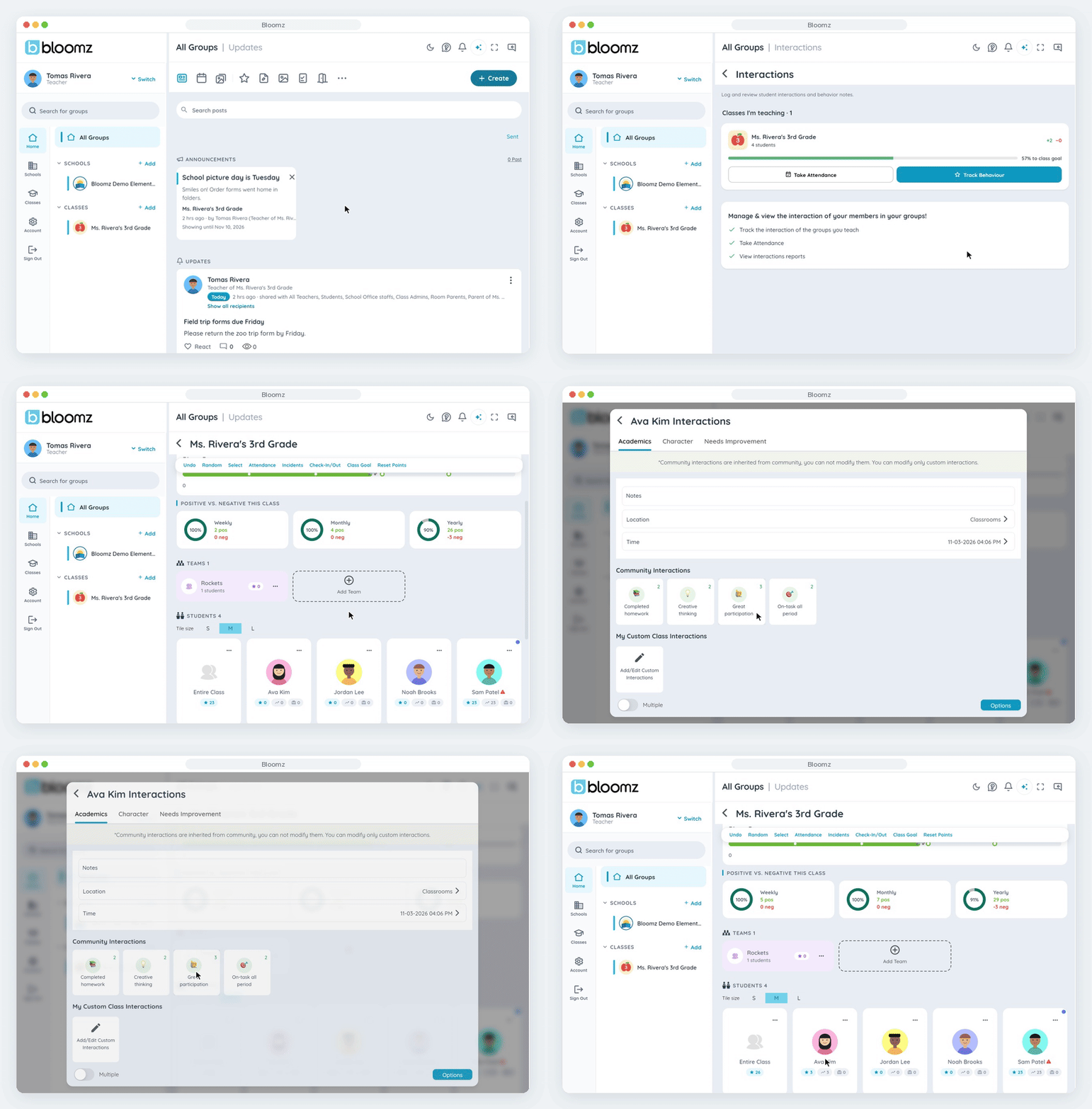
Catch a student doing something right and award it on the spot — from your class's Behavior screen, a couple of taps logs the point and adds it to the student's running total.
Before you start
Behavior tracking (called Interactions in a few places in the app) only works if it's turned on for your class — check with your admin if you don't see Interactions/Behavior in the Create menu. Points you award are visible to the student and their family, so keep the behaviors specific and positive.
Step 1 — Open your class's Behavior screen
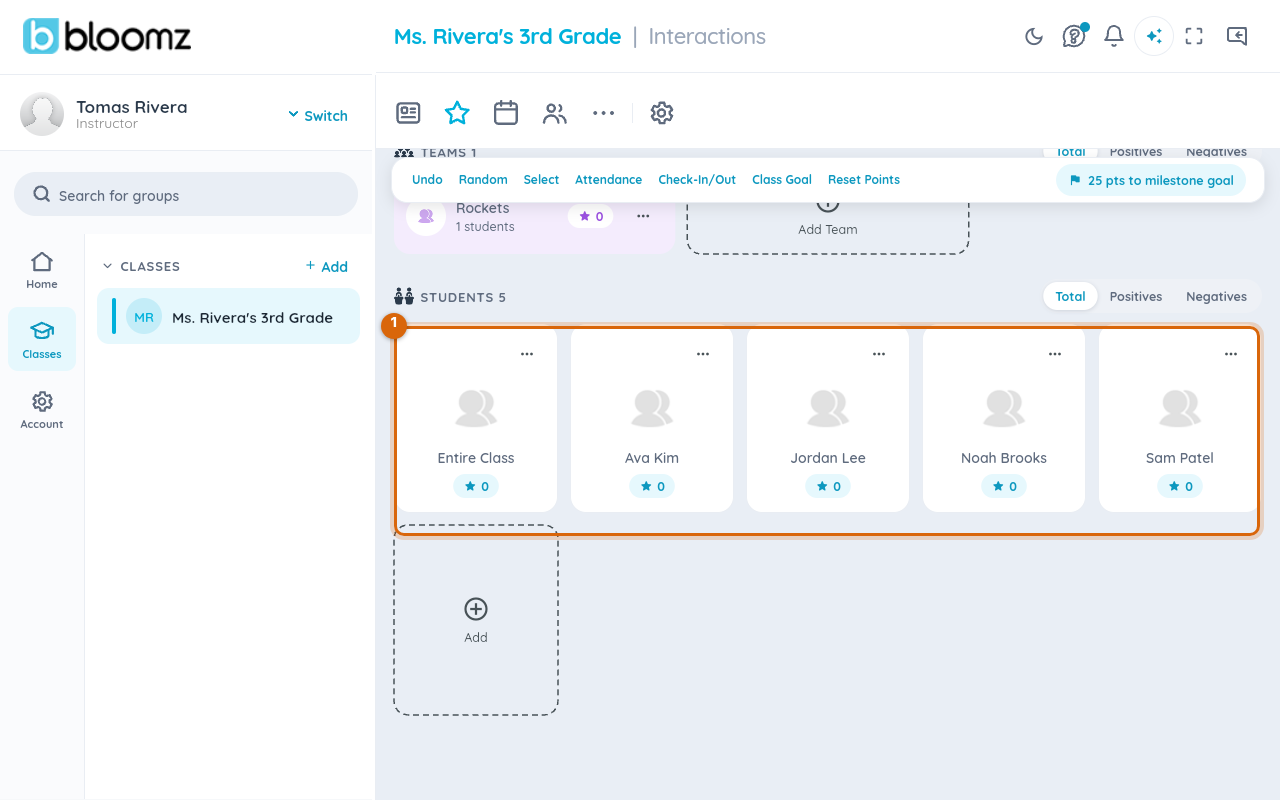
Select Create, then Interactions/Behavior. Under Classes I'm teaching, find your class and select Track Behaviour. The Behavior screen shows your class goal progress, a toolbar (Undo, Random, Select, Attendance, Incidents, Check-In/Out, Class Goal, Reset Points; some of these may not show for every class) and a tile for every student with their current point total.
Step 2 — Tap the student
Scroll to the Students tiles and tap a student's tile (their photo) to open their Interactions panel.
Step 3 — Choose the behavior
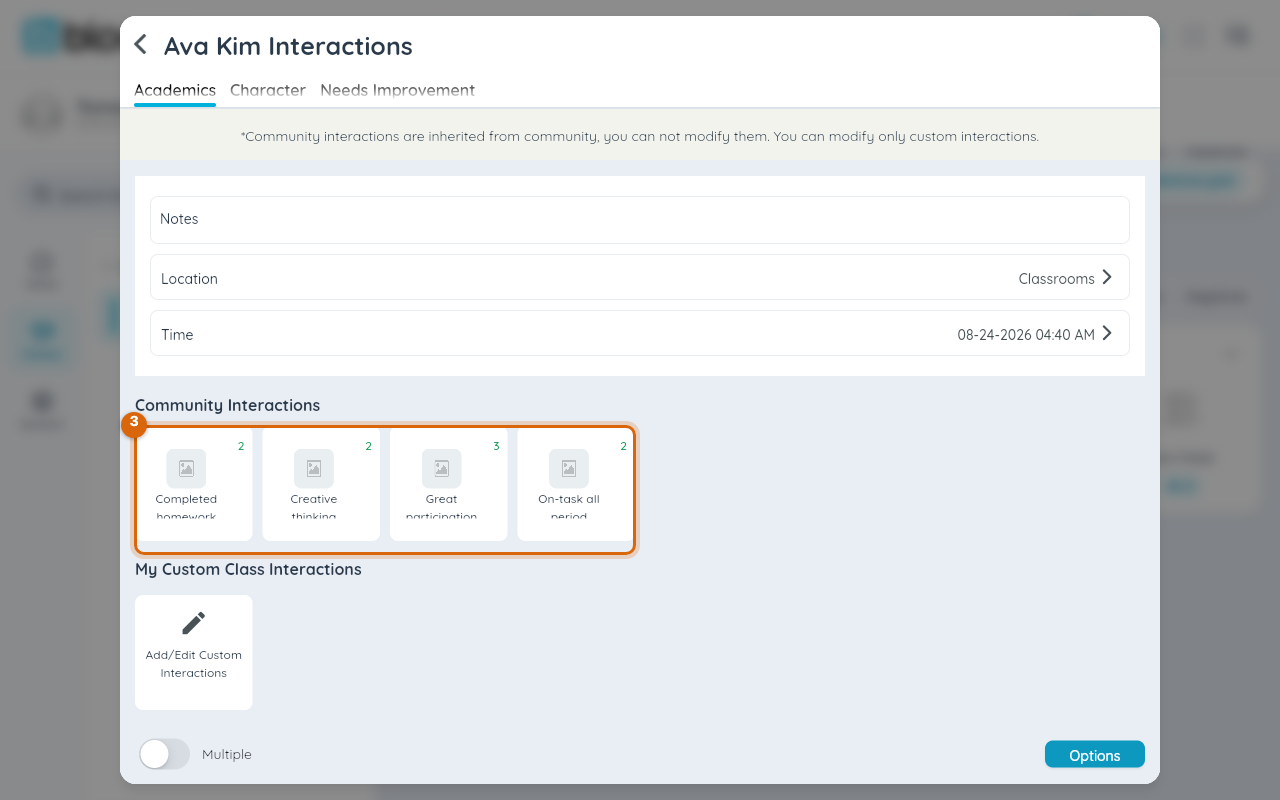
Pick a category tab, then tap one of the interactions, such as Great participation or Kind to others. Each card shows its point value in the corner; tapping it logs the award immediately, no separate confirm step needed.
Step 4 — Check the total
The student's running total and your class's positives/negatives stats update right away.
Note: depending on your class's behavior settings, a student's tile can show Points Left — what the student has earned minus anything already withdrawn or redeemed (for example, through a School Store). That is not the same as total points ever earned; if a student redeemed points recently, the number here will be lower than what they've earned historically.
Watch out: if you tap the wrong student, use Undo in the Behavior toolbar right away.
Related
- Choose a behavior theme for your class
- Check your school's House standings
- See your child's behavior and awards
- Run PBIS reports for your school