 Bloomz
Send AI-drafted family outreach from a case
Where your district has enabled it, Bloomz can draft a message to a student's family summarizing the case — you review and edit it before anything goes out.
Before you start
Drafting and sending are always separate steps. No AI-drafted message reaches a family until a staff member reviews and approves it.
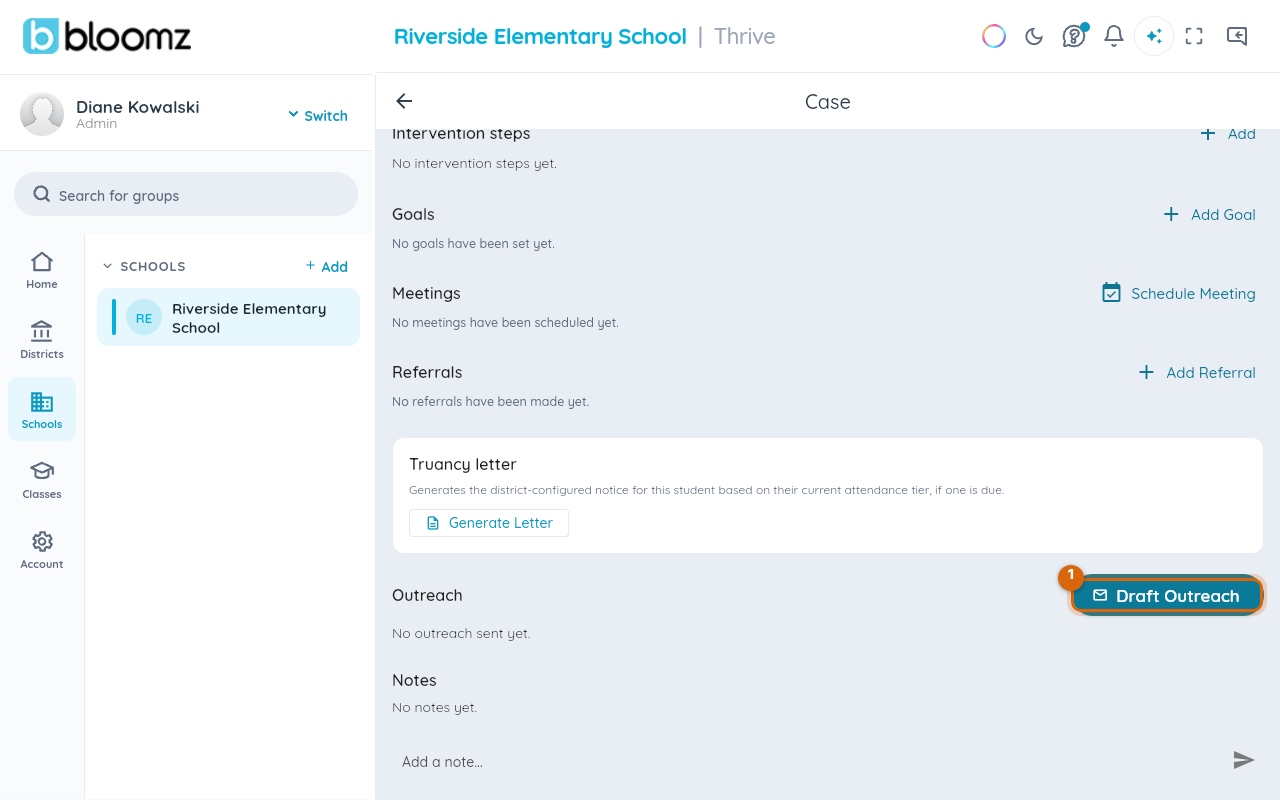
Step 1 — Open the case's Outreach section
From the student's case, select Message family, then Draft with AI if your district has it turned on.
Step 2 — Review the draft
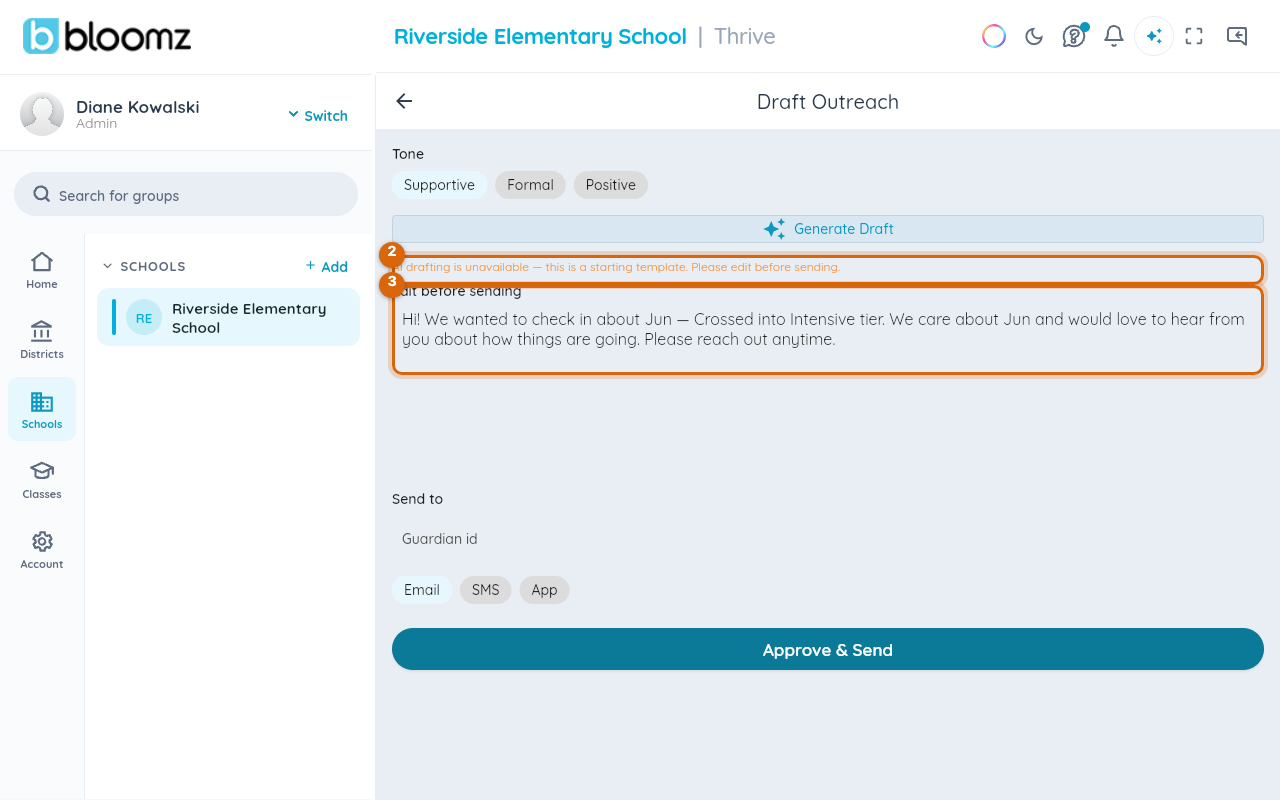
Bloomz drafts a first version from the case's facts — the concern, any intervention in progress, and next steps. Read it fully before doing anything else.
Step 3 — Edit as needed
Edit the wording, tone, or details — the draft is fully editable, and you can preview it in each guardian's preferred language.
Step 4 — Approve & Send
Select Approve & Send — the only way the message goes out. It's delivered through the family's usual channels and logged to the case.
Watch out: always read an AI draft in full before sending — it's built from the case's data, but only you know the full context of the family relationship.